Wrapping Hora Kit around code that is already running

The ninth article in the "Design of Hora Kit" series. The reason we can develop a system of nearly one million lines stably with Hora Kit is that we wrapped the Kit around code that was already running, after the fact. This article describes the procedure for adopting Hora Kit on an existing project without taking away the existing repository's history, branches, or configuration.
1. Introduction
This article is the ninth in a series explaining the design of Hora Kit, the AI development framework that we (Open Reach Tech) released as open source. The main article is here.
We open-sourced Hora Kit, an AI development framework for truly automated development
A note on terminology. There is only one command you type in Hora Kit:
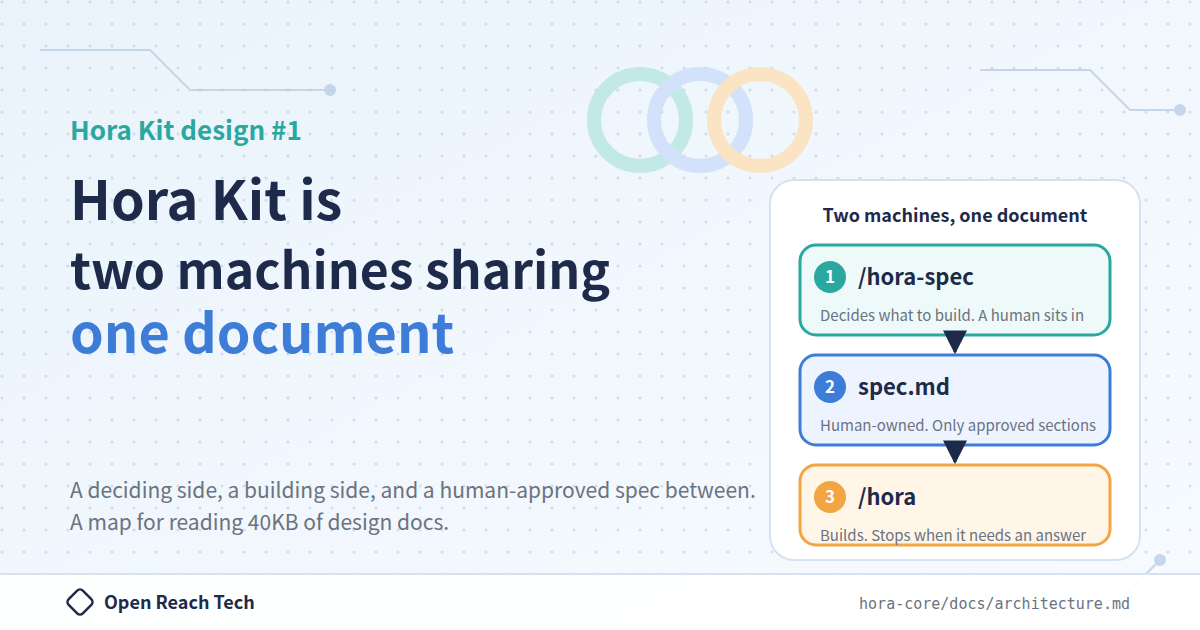
/hora. Depending on the situation,/horacalls/hora-spec(writes the spec),/hora-setup(creates the implementation repositories),/hora-plan(fixes the version and writes the feature list and contracts),/hora-build(takes one feature through the 18 checkpoints), and/hora-accept(performs acceptance), in that order./hora-hotfixis the only one that/horadoes not call; a person types it directly. The docs call/hora-spec"the deciding side" and the rest "the building side", and this article uses those names too.
In the main article, we wrote that "even a system of nearly one million lines is being developed stably". That system was not built with Hora Kit from the start. It is code that was already running, with the Kit wrapped around it afterward.
I suspect many of you are thinking "I could try it on a new project, but we have mountains of existing code", so this article describes that "wrapping" procedure.
2. The existing repository loses nothing
Let me start with the reassuring part. The existing repository loses nothing at all. Its history, branches, configuration, and code all stay as they are. Hora Kit stands outside them and joins as a repository that holds the specs, the plan, and the records.
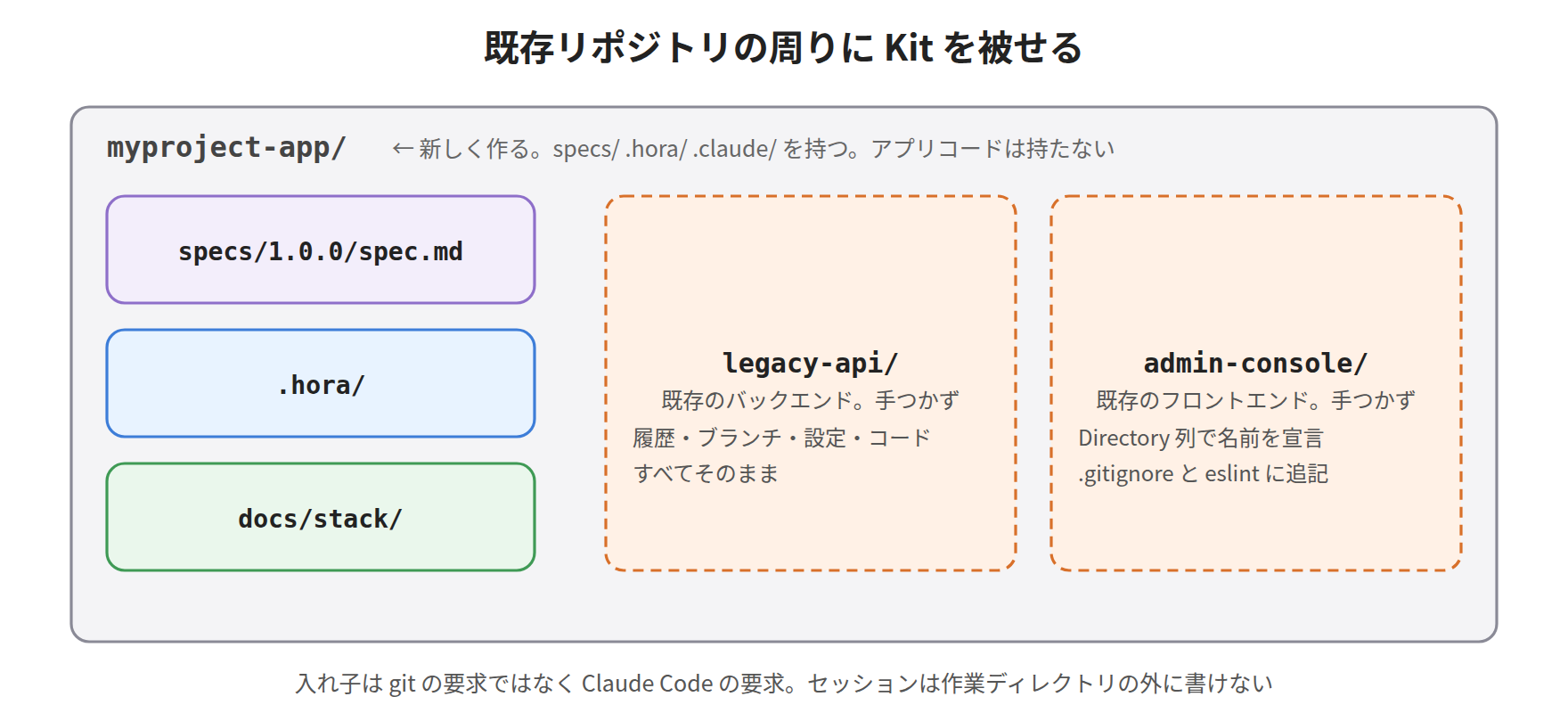
myproject-app/                  ← The kit. Holds specs/ .hora/ .claude/. Holds no app code
  legacy-api/                   ← The existing backend. Untouched
  admin-console/                ← The existing frontend. Untouched
You do not have to rename the directories. The spec's repository layout table has a Directory column, and that is where you declare the names.
3. The first thing to decide is a single question
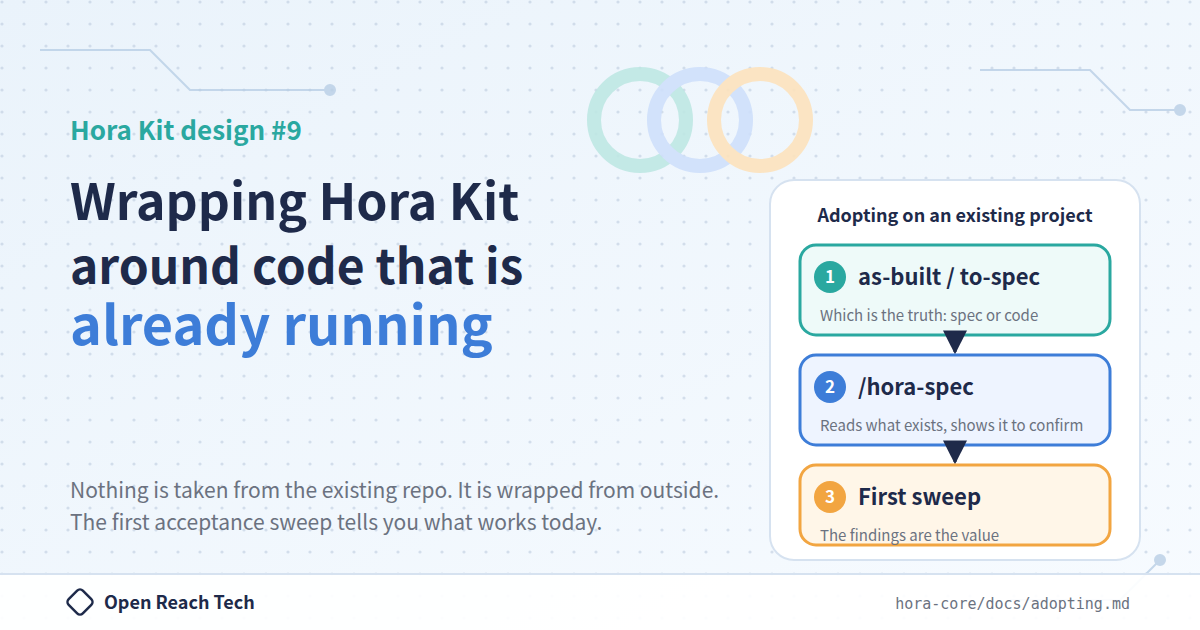
Before getting into the procedure, you decide one thing. When the spec and the code disagree, which one is right?
as-built (the implementation is right) | to-spec (the spec is right) | |
|---|---|---|
| Your situation | The product is running and its behavior is what you want. Fix the current state as a version and grow from there | Partway through implementing toward a spec someone wrote. Close the remaining distance |
| What the spec describes | The product running today | The product as it should be |
| Amount of questions | A handful, plus one acceptance sweep | Every checkpoint runs, and the code is checked against the spec and fixed |
The answer is written on one line of the spec, Authority: in the Existing assets section. The rest of this article branches on this answer. If you want to grow the running product as-is, treating it as correct, choose as-built; if the spec came first and the implementation has not caught up, choose to-spec. I expect most existing projects fall into the former.
4. The six steps
Here is the docs' "In short" section, summarized in our own words.
First, create <myproject>-app from hora-boilerplate and move the existing repositories inside it. The nesting is not a requirement of git; it is a requirement of Claude Code, whose session cannot write outside the working directory.
Next, bring in the existing documents. If they are "the spec itself", like a requirements list or an API reference, they go into specs/1.0.0/sources/; if they are "something that explains the spec", like mockups or old design documents, they go into annex/; what you want built goes into request/, in your own words. Do not link into the implementation repositories. They are already gitignored, so the links break silently.
Third, decide between as-built and to-spec as above.
Fourth, /hora-spec writes the spec after reading what exists. Stage 0 reads the repositories and the documents you placed, and records every discrepancy between the spec and the code. With as-built, it first presents the derived built: table in its entirety, then confirms feature by feature with multiple-choice questions. The use cases and acceptance criteria are drafted from the running system, so all you do is correct them. Only the features you answer "not finished yet" become to-spec.
Fifth, run /hora. /hora-setup skips the clone for rows that are already adopted, fills in only the values that are not yet filled, reads the actual tree, and notes it in .hora/tree/. Anything a person has already filled in is not overwritten. /hora-plan then writes the plan, and this is where you confirm that built: is correct.
| How it goes wrong | What happens |
|---|---|
Declared built: but not actually built | Acceptance fails it, the mark is removed, and it actually gets built. The safe direction |
| Not declared, but actually built | 17 checkpoints run against working code. Nothing breaks, but time is wasted |
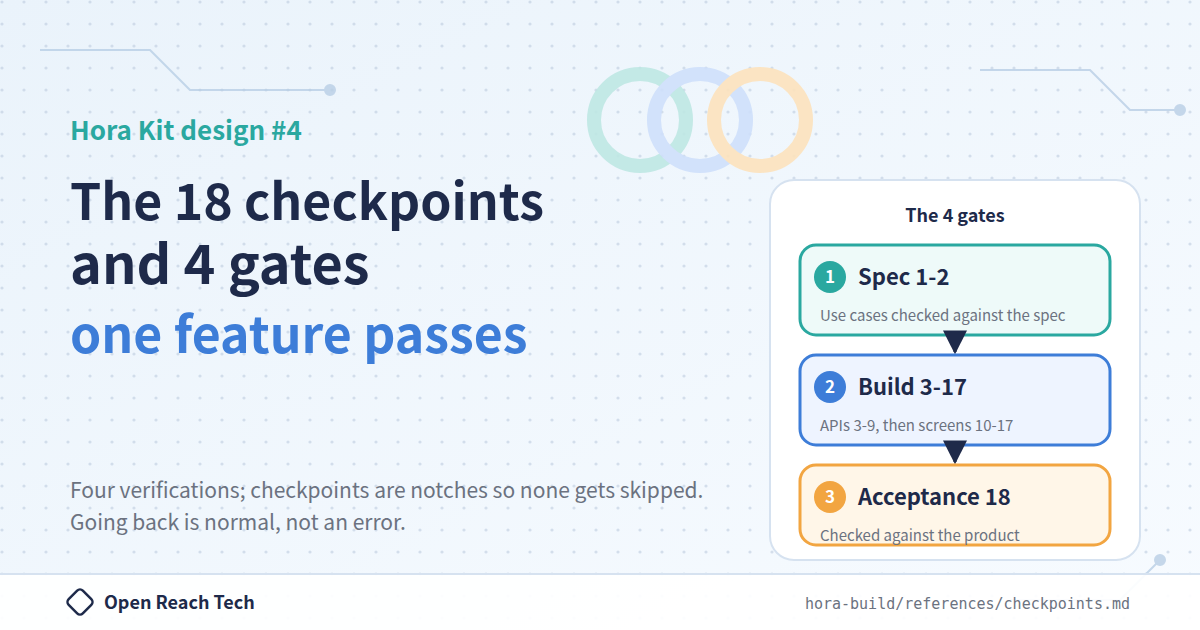
Finally, the first acceptance sweep. Features declared as "already built" skip the 17 checkpoints that describe how to build, but they always enter acceptance. In other words, the first sweep after adoption is an acceptance review of the entire existing product against the use cases the product itself puts forward.
5. Expect findings. That is the value itself
The docs say "Expect findings. And that is the very value of adopting."
In the main article, we wrote that "after introducing Hora, many latent bugs and security vulnerabilities were found", and since this sweep is the first thing to run against an existing product, this is where the finding starts.
Each finding states "which feature, and which checkpoint to go back to". If it lands in a span of an adopted feature marked built before Hora Kit was adopted, that mark is removed. Code that has to be fixed is treated as something that was, in the end, not simply inherited. It is actually rebuilt from the earliest affected checkpoint.
This is the mechanism by which an existing product is raised to the kit's standard. One shortfall at a time, and only where the shortfall was actually shown.
6. The first run stops at the environment
There is a high chance the first sweep stops at step 1, and that is normal.
Checkpoint 17 exists to build the local E2E environment, and existing projects usually have something (a compose file, a seed script), but do not yet meet the prerequisites: all services running behind the app, sign-in possible as each role, and reviewable data present. Fix that, then re-run.
I understand the temptation to skip this, but do not. Reviewing the frontend on its own means reporting a pass you have not earned.
7. Why the exclusion lists matter more than they look
Within the adoption procedure, this is the only place where the damage from an omission is large and, on top of that, silent.
.gitignore and the root eslint.config.js exclude the implementation repositories by name (*-backend*/, *-frontend*/). A name like legacy-api/ matches neither.
| What happens | How you notice | |
|---|---|---|
.gitignore | The entire backend is tracked and committed into the kit's repository | Not until you read git status. By then it is already committed |
eslint.config.js | The root lint scans a repository whose configuration is not its own | A flood of violations |
/hora-setup appends one line per declared Directory to both files and reports that it did so. Check the report to confirm that it happened.
8. Things to watch out for
Of the cautions the docs list, here are the ones that existing projects tend to trip on.
The boilerplate's tag may be newer than the existing code. The delegated skills describe the current conventions, so within the same repository, new code will look different from old code. This is expected.
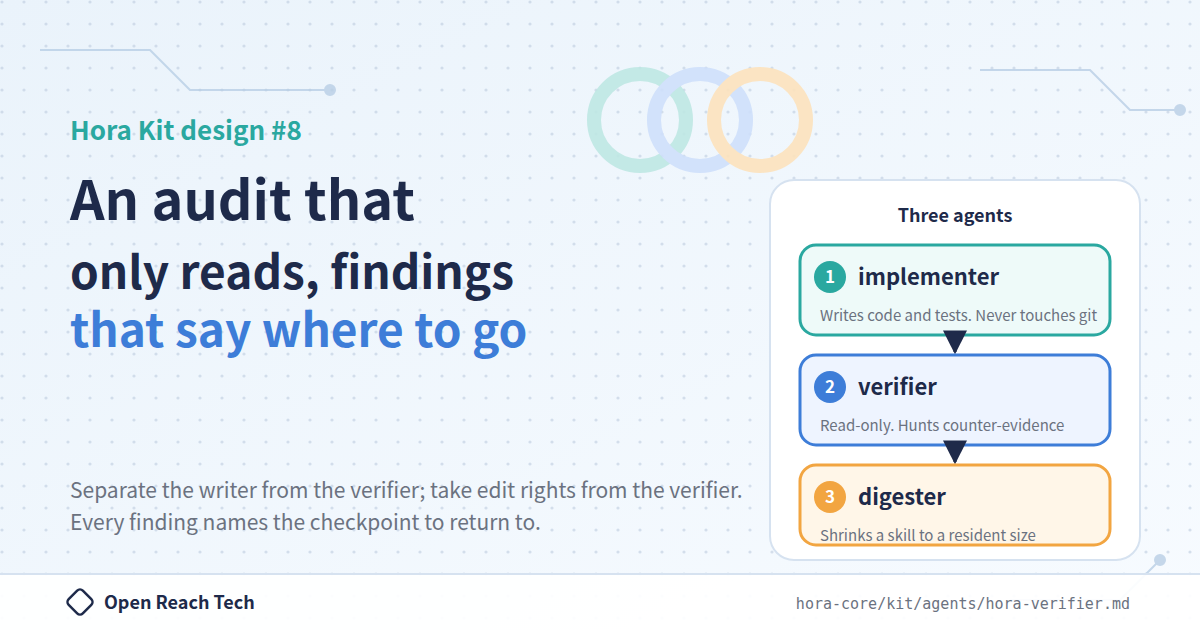
Existing tests are not weakened in order to pass. No skipping, no deleting, no loosening. If an existing test fails, it is treated as a finding, not as an obstacle to route around.
Do not commit directly to main. In the kit's repository, main-guard.yml protects it, but the existing repositories may not have that barrier.
9. Summary
What you get from adopting on an existing project is not "the kit builds the rest for you". That comes later. What you get first is the fact of what this product can do today. Where it can reach, what is in place, and whether it tells the truth when it fails.
For us, being able to hold "what can it do today" for a system of nearly one million lines in acceptance records rather than in human memory is the greatest value of adoption. I hope this is useful to anyone wondering how to bring AI into legacy code.
The original source is here. https://github.com/openreachtech/hora-core/blob/main/docs/adopting.ja.md