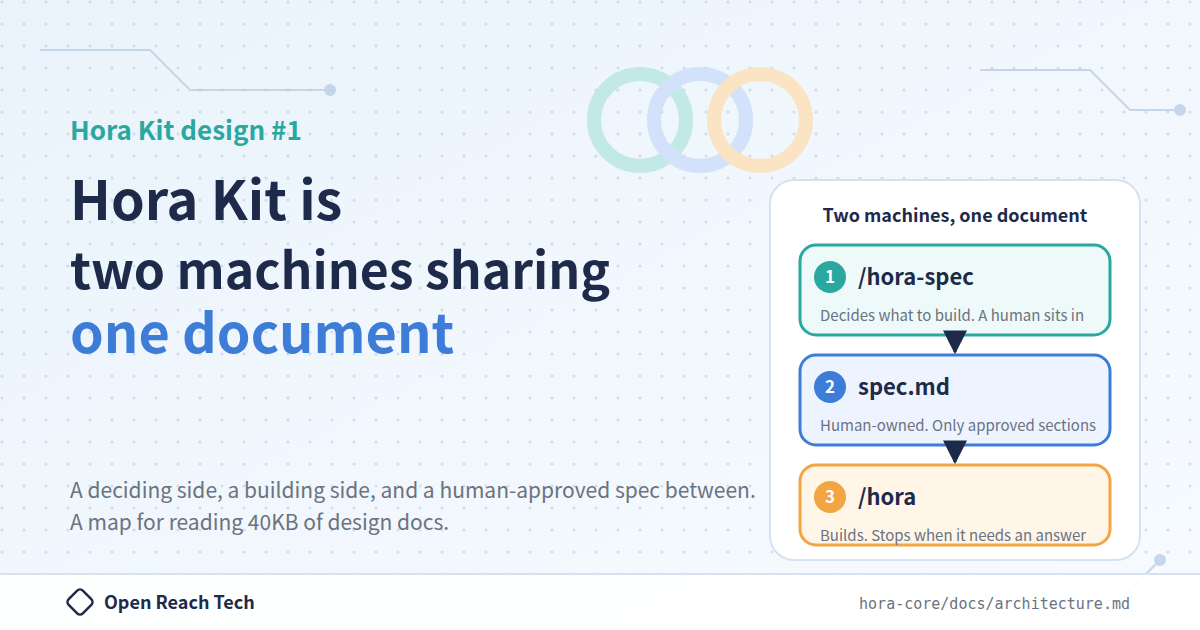
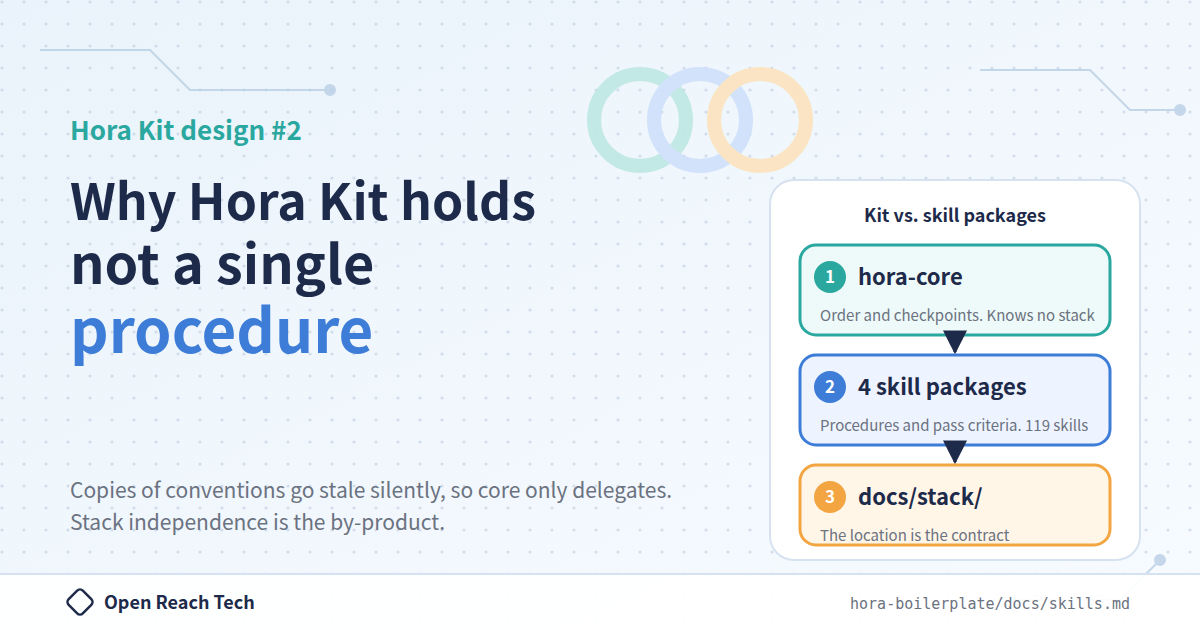
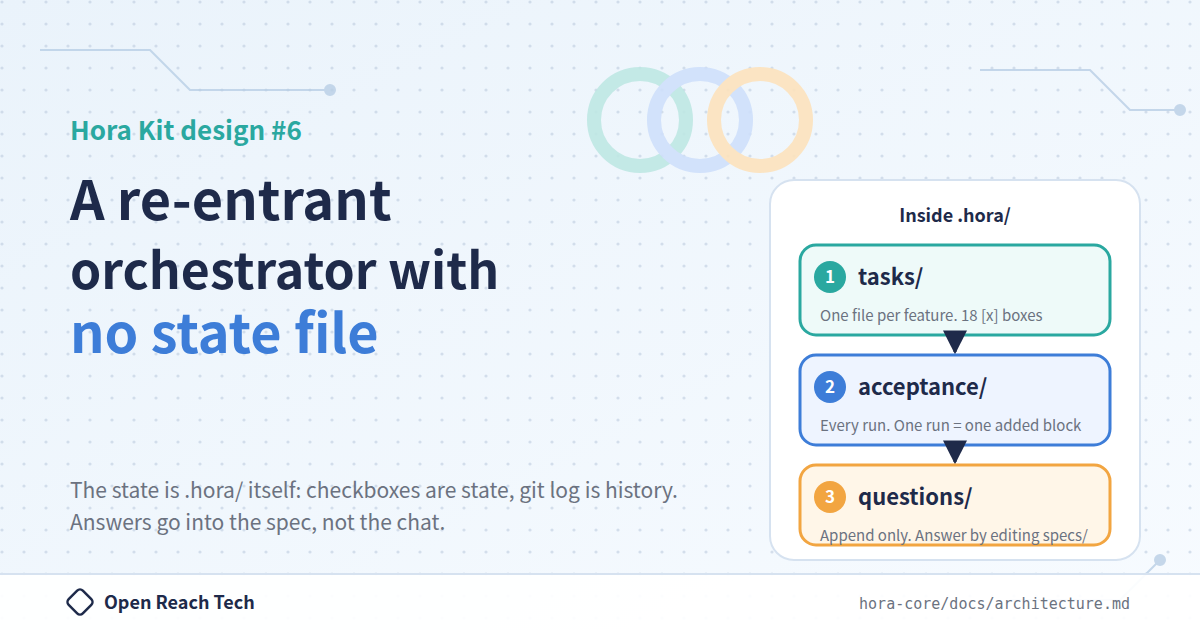
- 1. Introduction
- 2. Separate the one who writes from the one who verifies
- 3. Look for counter-evidence. If unsure, "not met"
- 4. Checkpoint 8: the audit is read-only, and runs in full
- 5. Fixing is a separate act. The re-audit covers only the scope of the fix
- 6. Checkpoint 18: acceptance is delegated to /hora-accept
- 7. The gate is narrowed; the regression net is not
- 8. Do not report a pass you have not earned
- 9. Every finding must state "which checkpoint to go back to"
- 10. Summary
An audit that only reads, and findings that say where to go back

Jiro YamamotoBackend Developer
The eighth article in the "Design of Hora Kit" series. We separate the one who writes from the one who verifies, and the audit agent is given no permission to edit files. This article covers the security audit at checkpoint 8 and the acceptance mechanism of /hora-accept, where every finding must name where to go back. It is also about why letting the same AI write the code and review it is dangerous.
1. Introduction
This article is the eighth in a series explaining the design of Hora Kit, the AI development framework that we (Open Reach Tech) released as open source. The main article is here.
We open-sourced Hora Kit, an AI development framework for truly automated development
A note on terminology. There is only one command you type in Hora Kit:
/hora. Depending on the situation,/horacalls/hora-spec(writes the spec),/hora-setup(creates the implementation repositories),/hora-plan(fixes the version and writes the feature list and contracts),/hora-build(takes one feature through the 18 checkpoints), and/hora-accept(performs acceptance), in that order./hora-hotfixis the only one that/horadoes not call; a person types it directly. The docs call/hora-spec"the deciding side" and the rest "the building side", and this article uses those names too.
In the main article, as one of the reasons we were able to cut human review substantially, we wrote that "the security audit runs on a read-only agent". This article describes that audit, and the final acceptance mechanism, in a little more detail.
When you have an AI write code, I suspect many of you have the same AI review it as well. This article is also about why that is dangerous.
2. Separate the one who writes from the one who verifies
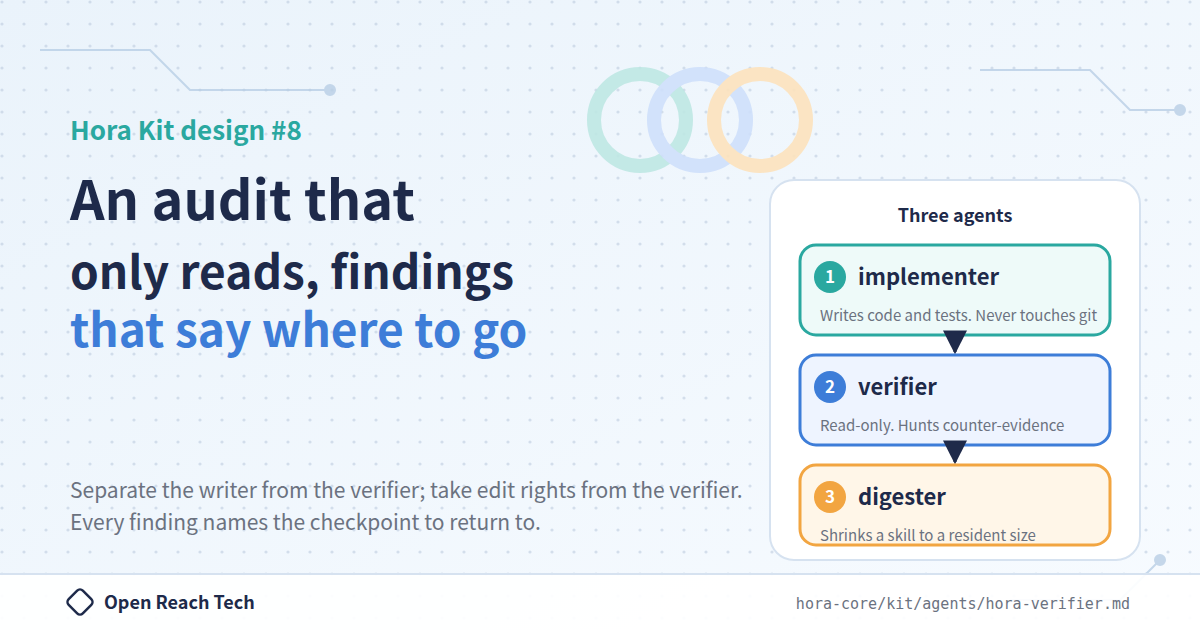
Hora Kit has three agents.
| Agent | Role | What it does not have |
|---|---|---|
hora-implementer | Writes the code and tests for one checkpoint, or one unit | git, and write access to .hora/ |
hora-verifier | Verifies whether the exit condition of one checkpoint is truly met | File-editing tools |
hora-digester | Summarizes one equipped skill down to a size the implementer agent can keep resident | Write access to anything other than its own digest |
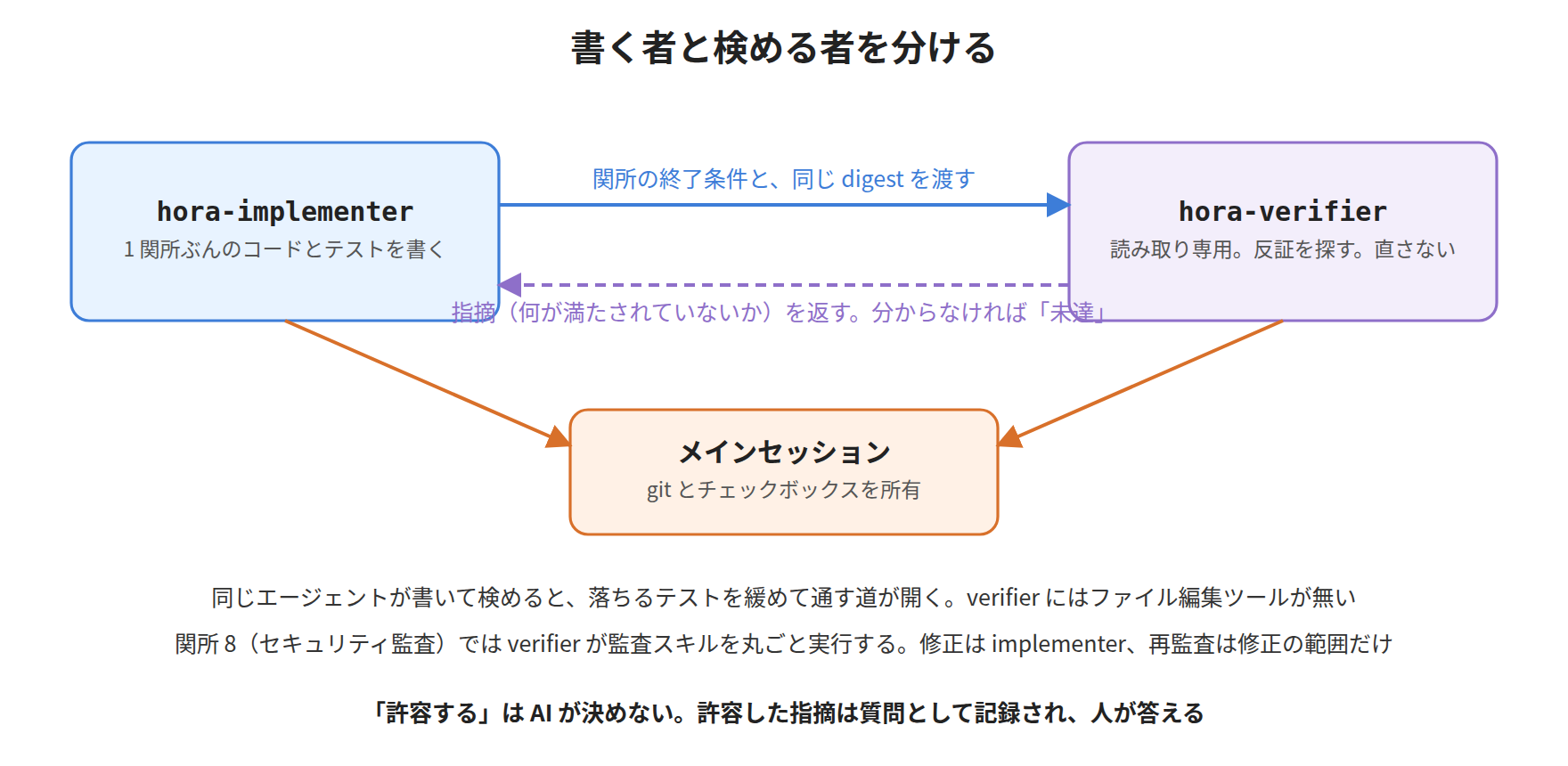
The verifier's definition file states why it has no editing tools. If the same agent does both the implementing and the verifying, a path opens up where a failing test gets loosened until it passes. That is the reason. An AI agent optimizes toward the goal of "make the tests pass", so if that path is left open, it will be used, without exception.
That is why the verifier has no file-editing tools. It cannot fix things, so it does not. The idea is to protect by permission, not by instruction.
3. Look for counter-evidence. If unsure, "not met"
The other distinguishing feature of the verifier is the direction of its judgment.
It does not try to prove that the condition holds; it looks for ways in which it does not. If it cannot decide, it falls to "not met". Letting something through and finding it later is more expensive, and in this design "later" means an acceptance run several features down the line, where the cause is no longer obvious.
Human review inevitably tends to let things through on "probably fine". The verifier is fixed on "if unsure, fail it", and this is one of the reasons we were able to move code verification from human eyes to this agent.
4. Checkpoint 8: the audit is read-only, and runs in full
Checkpoint 8 is the security audit. For a feature that wrote backend code, it cannot be skipped.
| Delegated to | A skill that covers a read-only security audit |
| Executed by | The verifier agent. Read-only |
| Exit condition | There are no findings against this feature's code, or every finding has been fixed, or explicitly accepted and recorded |
At an ordinary checkpoint, the verifier is handed a digest (summary) of the conventions. Checkpoint 8 alone is different: it runs the audit skill in full and reports its output. The audit's inspection items and finding criteria live in the skill, and the verifier does not replace them with its own judgment. Nor does it stop early because the first few items came out clean.
The target is only this feature's changes. Not the whole repository, but the changes standing in the working tree, plus the operations and endpoints this feature declared in .hora/contracts/. Including the declared surface is deliberate: a new caller wired into existing, unchanged code slips past the audit if you look only at changed files. Authorization gaps happen exactly there.
5. Fixing is a separate act. The re-audit covers only the scope of the fix
The audit only finds; it does not fix. Fixing the findings is done by the implementer, and after that the audit is re-run.
The re-run is narrowed to the scope of the fix. It confirms that each finding has been resolved, and re-audits the files the fix touched and the shared surfaces it reached. The criteria do not change; only the scope being looked at changes.
Deciding to "accept" is not something the AI does. An accepted finding is recorded as a question and never remains as a silent pass. One of our engineers decides "this finding is accepted", and it stays in the record together with their name.
6. Checkpoint 18: acceptance is delegated to /hora-accept
Checkpoint 18 is delegated to /hora-accept. It performs five steps.
1. Environment check      The local E2E container environment. Only for live runs
2. Unit suites            Test placement and getting the suites green (per repository). Required every time
3. Scenario list          The E2E test specification
4. Acceptance review      The review itself and its judgment criteria, within the scope of this run
5. UX findings            UI/UX audit. On sweeps, or when explicitly requested
Placing step 2 before the review is deliberate. Unit suites are cheap, and they fail precisely. Finding the same defect through an E2E flow costs far more to locate.
And this command itself holds not a single judgment criterion. What the review looks at and what it fails on live in the skill it delegates to; the only things this command decides are "the target feature", "the order of delegation", and "where the result is recorded".
7. The gate is narrowed; the regression net is not
At the feature checkpoint (18), the scope of the review is narrowed to that feature. The live browser sweep is also skipped unless explicitly requested.
The unit suites, on the other hand, run in full across all repositories every time. So a change that breaks an earlier feature fails on the very run that broke it. The docs put it as "the gate is narrowed, but the regression net is not".
In the version-wide sweep, every implemented feature is reviewed, and the product is always driven.
8. Do not report a pass you have not earned
Step 1 is not a warm-up; it is a gate. The review signs in as each role, completes flows through to their success conditions, and deliberately stops dependencies to see what the screen says. Against a frontend that was merely stood up on its own, none of that means anything.
When a run that drives the product has no local E2E environment, or an incomplete one, /hora-accept reports lacked-environment and stops. Instead of reviewing something that is not really running. According to the docs, this is where the first run stops when adopting Hora Kit on an existing project, and that is normal behavior: fix the environment, then re-run.
9. Every finding must state "which checkpoint to go back to"
Acceptance findings have a format.
1. #attendance — A record saved from the monthly screen cannot be reached from the daily list.
   Return to: checkpoint 11 of #attendance.
2. #sign-in — On session expiry, the screen goes blank without saying so.
   Return to: checkpoint 13 of #sign-in.
A finding with no return point is a memo; a finding with a return point is work. The return point is often a feature other than the one standing at the checkpoint, and that is the usual shape of a regression. In the example above, the acceptance of #attendance produced a finding that goes back to checkpoint 13 of #sign-in.
Nor does it decide "this finding is accepted" without fixing anything. That judgment belongs to a person, and it goes into the questions file together with who decided it.
10. Summary
There are three things about this mechanism that we consider important. Separate the one who writes from the one who verifies, and take editing permission away from the verifier. Narrow the audit's target to "the changes and the declared surface". Make every finding state where to go back.
If you are having the same AI write the code and review it, try just one thing: remove editing permission from the review side. I think that alone will change how it behaves.
The original sources are here. https://github.com/openreachtech/hora-core/blob/main/kit/agents/hora-verifier.mdhttps://github.com/openreachtech/hora-core/blob/main/docs/commands.ja.md