Cursor Agent Skills.
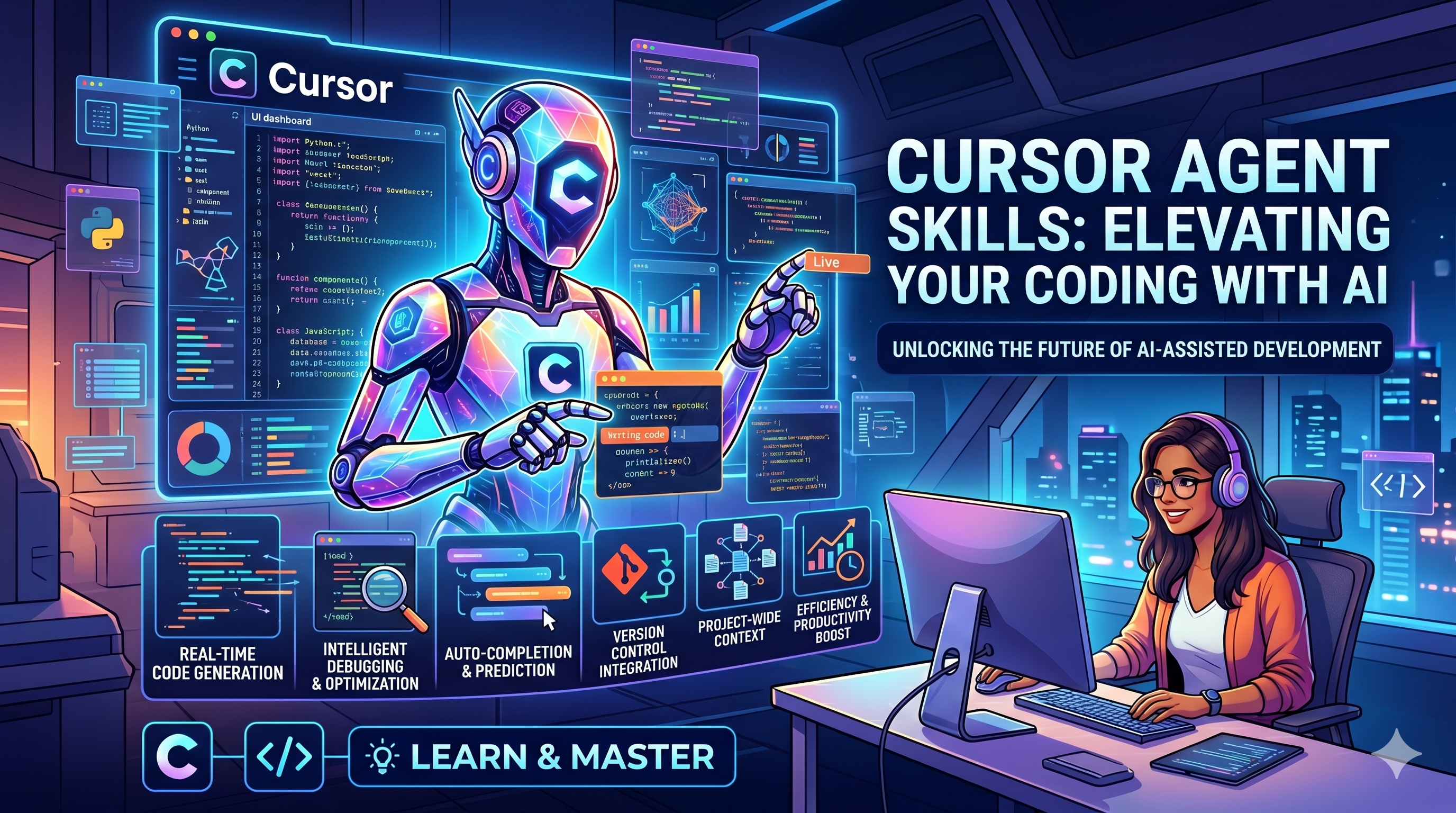
Cursor Agent Skills package engineering conventions into Markdown for steadier agent output, shared skill folders in Git, and repeatable workflows.
Problems When Using AI
- Regular users often prompt the agent directly to answer questions. However, the same prompt can be interpreted differently depending on the context, which leads to different outputs.
Example:
- If the current context is about
playing, and we prompt withgood, the agent will usually understand it asgood at playing. - If the current context is about
studying, and we prompt withgood, the agent will usually understand it asgood at studying.
=> In many situations, playing and studying are opposite concepts. This is exactly why skills were created — to reduce this kind of ambiguity.
Introduction
- Skills are
knowledge, rules, and workflowsthat arepackagedinto files to guide how Cursor Agent works. That is why they are calledCursor Agent Skills. - Keep in mind that other agents such as Claude, Codex, etc. also have skills, but since our company uses Cursor, we will focus on Cursor Agent Skills.
- They are packaged as
.mdfiles so agents can use them depending on the context (users can also explicitly specify which skill to use while working with agents).
When to Use Skills
- Our goal is to standardize the agent’s output across different contexts. Therefore, whenever we have repetitive tasks, rule-based processes, or predefined conventions, we should consider creating a skill.
Examples:
- Generating code based on conventions
- Creating tests
- Creating database seeders
How to Create Good Cursor Agent Skills
Structure
# Skill Name

## Purpose

Explain what this skill is used for.

## When to Use

Describe the situations where the agent should use this skill.

## Instructions

Provide step-by-step guidance.

## Output Format

Define what the final result should look like.

## Examples

Provide examples of good outputs.
Skill Placement
Note: I usually place skills inside Cursor’s configuration directory, but they can also be placed inside the project so the entire team can share them through Git.
.cursor/
  skills/
    technical-design-document.md
    task-breakdown.md
    graphql-resolver.md
    vue-context-pattern.md
What Makes a Good Skill
- Specific
  Avoid vague instructions like “write clean code”.
  Instead, clearly define what “clean code” means in the project.

- Actionable
  Use direct instructions such as “Create a factory method”
  or “Use test.each() for test cases”.

- Structured
  Break instructions into clear sections and steps.

- Example-driven
  Agents follow examples very well.
  If possible, provide both good examples and bad examples.

- Reflect the existing codebase
  Skills should represent the actual patterns being used in the project,
  not ideal patterns that do not exist in the codebase.

- Reusable
  Avoid creating skills that only serve one tiny task,
  unless that task is repeated frequently.
Applying This to ORT
Theory
Note: Skills contain packaged knowledge, rules, and workflows. Therefore, every skill should reflect ORT’s coding conventions and rules below.
Use clear naming
Avoid unnecessary abbreviations
One file, one class
Use factory methods
Use meaningful object parameters
Use Context classes for Vue logic
Write complete JSDoc
Avoid “puzzle-style” code
Prefer readable code over clever but hard-to-understand code
Practice
SKILLS
- I have written several skills and use them heavily in my daily work. Some of them achieve around 90% of my expected output quality, meaning I rarely need to modify the generated result.
- If the rules or conventions change one day, I only need to update the rules in one place (similar to an AI Workflow template in Chiho).
- Below are my skills and their expected quality rates (higher expectation means fewer manual fixes):
ort-graphql=> generate GraphQL code (90%)ort-fetcher=> generate fetchers (90%)ort-submitter=> generate submitters (90%)ort-inject- When calling this skill, it asks where to inject, which fetcher or submitter to use, etc.
- It is similar to adding fetchers or submitters into
index.vue, but based on context it also generates reactive status variables, error messages, and more. - (around 85%)
ort-design- This skill helps create UI.
- It asks how the design should look and where it should be implemented.
- My recommendation is to run this skill right after
ort-injectbecause it can reuse the context of fetchers, submitters, statuses, reactives, etc. - (around 60–65%)
ort-worker- I created a workflow to automate steps 1–5.
- However, you still need to carefully read the user’s request and provide proper context.
- (less than 50% success rate in my experience, so I do not recommend using it)
- I strongly recommend executing steps 1–5 manually, one step at a time, for much better results.
Below is an example of the ort-fetcher skill
---
name: ort-fetcher
description: ORT Fetcher class pattern with full template. Use when creating Fetcher classes for GraphQL queries.
---

# ORT Fetcher Guide

## Naming convention

- Query class → `{Entity}Fetcher` (e.g. `IssueFilesFetcher`)

---

## Fetcher Template

```js
/**
 * Fetcher class for {queryName} GraphQL query.
 */
export default class {Entity}Fetcher {
  /**
   * Constructor.
   *
   * @param {{Entity}FetcherParams} params
   */
  constructor ({
    route,         // omit if no route needed

    statusReactive,

    graphqlClientHash,
  }) {
    this.route = route

    this.statusReactive = statusReactive

    this.graphqlClientHash = graphqlClientHash
  }

  /**
   * Factory method.
   *
   * @template {X extends typeof {Entity}Fetcher ? X : never} T, X
   * @param {{Entity}FetcherFactoryParams} params
   * @returns {InstanceType<T>}
   * @this {T}
   */
  static create ({
    route,

    statusReactive,

    graphqlClientHash,
  }) {
    return /** @type {InstanceType<T>} */ (
      new this({
        route,

        statusReactive,

        graphqlClientHash,
      })
    )
  }

  /**
   * get: {queryName} capsule ref
   *
   * @returns {import('vue').Ref<import('~/.../...GraphqlCapsule.js').default>}
   */
  get {queryName}CapsuleRef () {
    return this.graphqlClientHash
      .{queryName}
      .capsuleRef
  }

  /**
   * get: {queryName} launcher hooks
   *
   * @returns {furo.GraphqlLauncherHooks}
   */
  get {queryName}LauncherHooks () {
    return {
      beforeRequest: async payload => {
        this.statusReactive.isFetching{Entity} = true

        return false
      },
      afterRequest: async capsule => {
        this.statusReactive.isFetching{Entity} = false
      },
    }
  }

  /**
   * Generate {queryName} query params.
   *
   * @param {{QueryParams}} params
   * @returns {{QueryInput} | null}
   */
  generate{Entity}QueryParams ({
    pagination,
  }) {
    const entityId = this.extract{RouteEntity}IdFromRoute()

    if (!entityId) {
      return null
    }

    return {
      entityId,
      pagination,
    }
  }

  /**
   * Fetch {queryName} on mounted.
   *
   * @param {{QueryParams}} params
   * @returns {void}
   */
  fetch{Entity}OnMounted ({
    pagination,
  }) {
    const queryParams = this.generate{Entity}QueryParams({
      pagination,
    })

    if (!queryParams) {
      return
    }

    this.graphqlClientHash
      .{queryName}
      .invokeRequestOnMounted({
        variables: {
          input: queryParams,
        },
        hooks: this.{queryName}LauncherHooks,
      })
  }

  /**
   * Fetch {queryName} on event.
   *
   * @param {{QueryParams}} params
   * @returns {Promise<void>}
   */
  async fetch{Entity}OnEvent ({
    pagination,
  }) {
    const queryParams = this.generate{Entity}QueryParams({
      pagination,
    })

    if (!queryParams) {
      return
    }

    await this.graphqlClientHash
      .{queryName}
      .invokeRequestOnEvent({
        variables: {
          input: queryParams,
        },
        hooks: this.{queryName}LauncherHooks,
      })
  }

  /**
   * Extract {routeEntity} id from route.
   *
   * @returns {number | null}
   */
  extract{RouteEntity}IdFromRoute () {
    const {
      {routeParam},
    } = this.route.params

    const idFromRoute = Array.isArray({routeParam})
      ? {routeParam}.at(0)
      : {routeParam}
    const numericId = Number(idFromRoute)

    if (isNaN(numericId)) {
      return null
    }

    return numericId
  }
}

/**
 * @typedef {{
 *   route: ReturnType<typeof import('vue-router').useRoute>
 *   statusReactive: import('vue').Reactive<{
 *     isFetching{Entity}: boolean
 *   }>
 *   graphqlClientHash: {
 *     {queryName}: ReturnType<import('@openreachtech/furo-nuxt').useGraphqlClient>
 *   }
 * }} {Entity}FetcherParams
 */

/**
 * @typedef {{Entity}FetcherParams} {Entity}FetcherFactoryParams
 */

---

## Key rules

- `beforeRequest`: set `isFetching{Entity} = true`, return `false`
- `afterRequest`: set `isFetching{Entity} = false`
- `generate{X}QueryParams()`: extract route params + build input — return `null` if invalid
- `fetch{X}OnMounted()`: sync, calls `invokeRequestOnMounted`, guard null params with early return
- `fetch{X}OnEvent()`: async, calls `invokeRequestOnEvent`
- All JSDoc typedefs go at the bottom of the file
- `{ClassName}FactoryParams` = `{ClassName}Params` unless factory omits DI-created deps (use `Omit<>`)
How to Use Skills for ORT Frontend
Note: Of course, agents can automatically decide which skill fits a context, but in my opinion this is not ideal. Sometimes the agent makes the wrong decision, which wastes a lot of tokens and requires significant fixes afterward.
Because of that, you should understand both your feature and your skills, then explicitly call the appropriate skill for each context. This significantly reduces token usage.
My Workflow for Building a Complete Feature
1. Understand the feature
- Every team member should do this.
- When using skills, you should understand the feature carefully so you can decide which skill to use.
2. Get the schema from Backend
Example:
type Query {
  locales: LocalesResult!

  translatedIssue(input: TranslatedIssueInput!): TranslatedIssueResult!
}

type Mutation {
  translateIssue(input: TranslateIssueInput!): TranslateIssueResult!
}

type LocalesResult {
  locales: [Locale!]!
}

type Locale {
  localeId: Int!
  name: String!
}

type TranslatedContent {
  translatedName: String!
  translatedDescription: String!
  translatedAt: String!
}

type TranslatedIssueResult {
  translation: TranslatedContent
}

type TranslateIssueResult {
  translation: TranslatedContent!
}

input TranslatedIssueInput {
  issueId: Int!
  localeId: Int!
}

input TranslateIssueInput {
  issueId: Int!
  localeId: Int!
}
3. Call the skills in order
ort-graphql → ort-fetcher → ort-submitter
- You should provide the schema above to the agent.
4. Continue with:
ort-inject → ort-design
5. Final editing
- Always review the generated files carefully.
- Never assume the AI rendered everything correctly.
Below Is My Skill Pack
(Currently the document system does not support attaching files, so I will attach it to the issue later.)
Download: click to download
Installation
- Extract the files
- Drag and drop them into Cursor chat
- Ask Cursor to install them
Usage
- In chat, type:
/skill-name
Example:
/ort-fetcher